
Beef broth in a multicooker
Description
A rich and hearty first course. Vegetables, spices, and herbs can all be added to the broth as desired. Pre-roasting the beef gives an amazing depth of flavor and a subtle aromatic note. This broth can be served as a standalone dish or used as a base for other soups. Definitely worth trying at home. The soup is ready to serve.
Instructions
- 1
Step 1
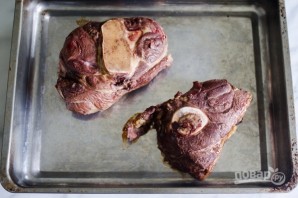
1. First, place the bones on a baking sheet and put them in a preheated oven at 200 degrees for 30-45 minutes, until they turn brown.
- 2
Step 2
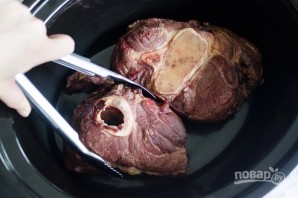
2. Then carefully transfer them to the bowl of the multicooker.
- 3
Step 3

3. Prepare the vegetables. The classic version includes onion, carrot, garlic, and celery. Add herbs to the broth about 10–15 minutes before the end of cooking, not right away! Wash, peel, and cut the vegetables into large pieces if desired.
- 4
Step 4
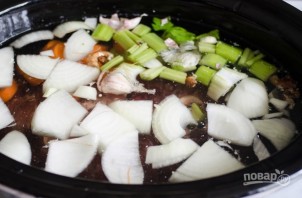
4. Place the vegetables on top of the meat. Add water and a little lemon juice or vinegar.
- 5
Step 5
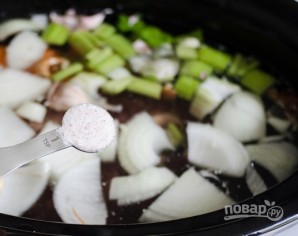
5. Add salt and spices to taste. The ideal program is slow cooking or stewing. If such a program is not available, select the "Soup," "Meat with Bones," or "Aspic" program (depending on your appliance model). Set the time for at least 2 hours.
- 6
Step 6
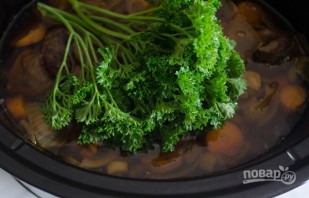
6. Add herbs to the almost ready broth if desired.
- 7
Step 7

7. This is the rich and delicious beef broth made in a multicooker. Be sure to strain it before serving.