
Spaghetti Carbonara in a Multicooker
Description
The dish is prepared without unnecessary complications. Today you have learned. The finished dish can be served at the table.
Instructions
- 1
Step 1
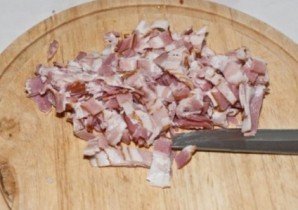
Chop the smoked chicken breast or bacon into thin strips.
- 2
Step 2
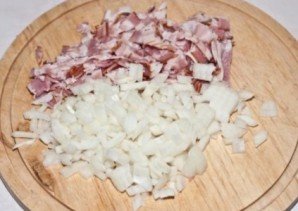
Then chop the onion, add it to the bacon.
- 3
Step 3
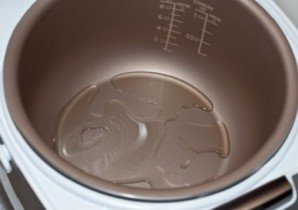
Add vegetable oil or olive oil to the bottom of the multicooker as desired.
- 4
Step 4
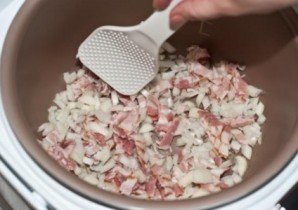
Place the bacon and onion into the multicooker container. Select the "Baking" or "Frying" program on the multicooker and set the timer for 10 minutes.
- 5
Step 5
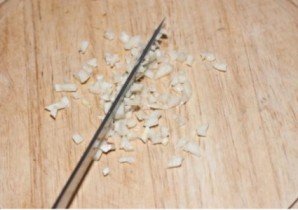
Finely chop the garlic with a knife or press it through a garlic press.
- 6
Step 6
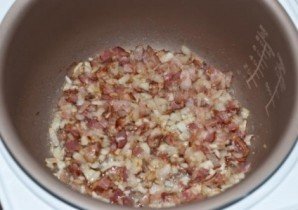
Add garlic to the pork belly and onion, and remember to stir occasionally while frying.
- 7
Step 7
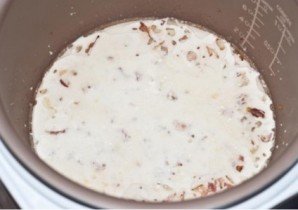
After 10 minutes, pour the cream into the container and mix well. Bring the mixture to a boil and cook until the cream thickens.
- 8
Step 8
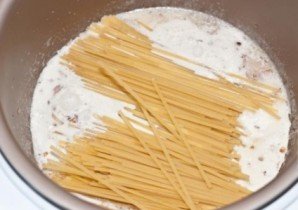
Break the spaghetti in half, add to the filling, then pour water into the multicooker, season with salt and pepper to taste, and mix everything well to prevent the spaghetti from sticking together.
- 9
Step 9
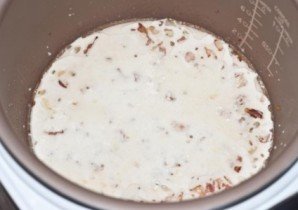
Note! Spaghetti and filling must be completely covered with water. Set the multicooker to "Pilaf" / "Rice" / "Spaghetti" mode (depending on what is indicated on your multicooker).
- 10
Step 10
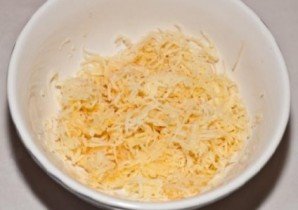
Grate the Parmesan.
- 11
Step 11

Separate the yolk from the white. Add the yolk to the cheese and mix.
- 12
Step 12
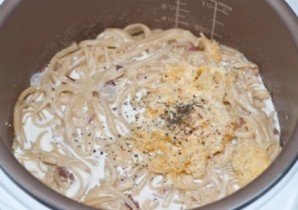
Add the yolk-cheese mixture and basil 2 minutes before the program ends. After the completion signal, stir the pasta again to evenly distribute the sauce.
- 13
Step 13

Place the spaghetti on a plate and serve.