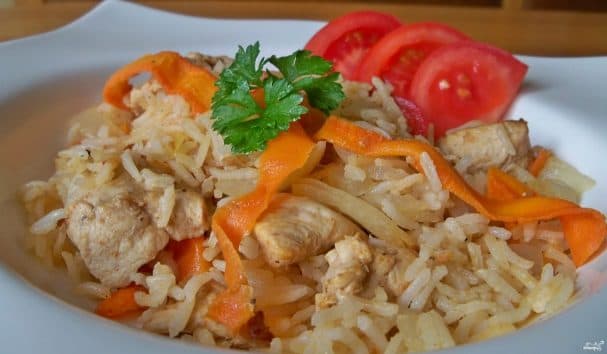
Chicken with rice in a multicooker
Description
The dish is prepared without unnecessary complications. Do you want to treat your loved ones to a delicious dinner but have no time to stand by the stove? No problem — the multicooker will do almost everything for you. I hope you'll enjoy my recipe for chicken with rice in a multicooker and will use it regularly. The ready dish can be served at the table.
Instructions
- 1
Step 1
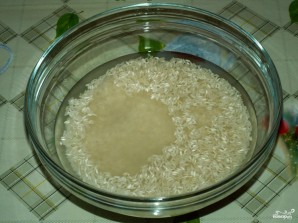
To prepare chicken with rice in a multicooker at home, you need to: 1. Rinse the rice thoroughly under running cold water until the water becomes semi-transparent.
- 2
Step 2

2. Peel and wash the carrots, then cut them into thin strips.
- 3
Step 3
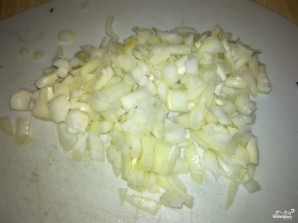
3. Peel the onion, wash it, and cut into cubes.
- 4
Step 4
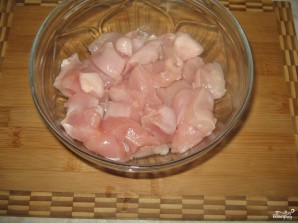
3. Wash the chicken, cut into cubes or strips, whichever you prefer.
- 5
Step 5
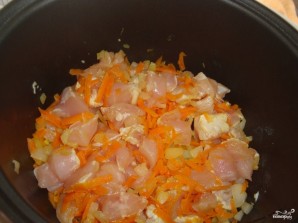
4. Turn on the multicooker: "Baking" mode, set the time for 20 minutes. Pour in the oil and heat it. First, sauté the onion for about 5 minutes, then add the carrots and fry for another 5 minutes. Finally, add the chicken meat and sear on all sides. Season with salt, pepper, and spices. Mix everything well.
- 6
Step 6
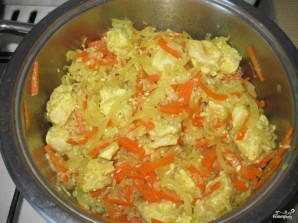
5. After frying the chicken and vegetables, add the rice and fry everything together for about 3 minutes.
- 7
Step 7
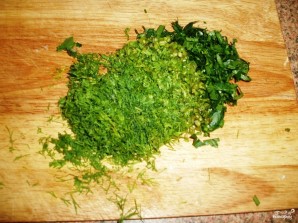
6. Pour in water. Close the multicooker lid, select the "Stewing" mode, set the time for 20 minutes. Five minutes before the end, add fresh herbs for aroma and, optionally, a whole garlic clove.
- 8
Step 8
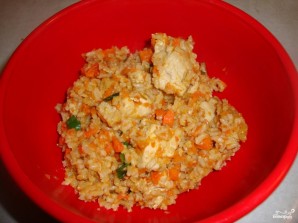
7. The dish is ready! I hope you'll enjoy this simple recipe for chicken with rice cooked in a multicooker!