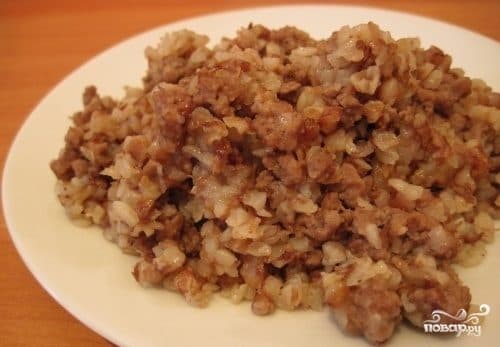
Buckwheat with pork in a multicooker
Description
The dish is prepared without unnecessary complications. The recipe for buckwheat with pork in a multicooker is very simple, and all you need is a small number of ingredients that are always available in a well-organized kitchen, and, of course, a multicooker. After that, it all depends on your imagination, as you can easily add other ingredients to this recipe at your discretion. Now I want to share with you a very classic recipe for buckwheat with pork in a multicooker, which requires few ingredients and little time. The finished dish can be served immediately.
Instructions
- 1
Step 1
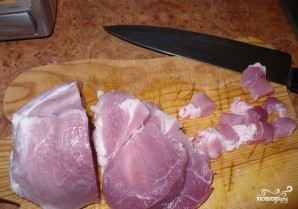
Cut the pork into cubes with sides about 1.5 centimeters.
- 2
Step 2
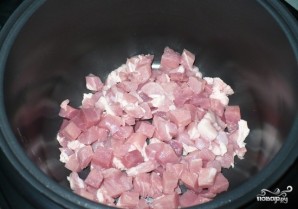
Place it in the multicooker.
- 3
Step 3
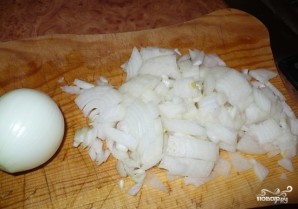
We clean the onion and chop it finely.
- 4
Step 4
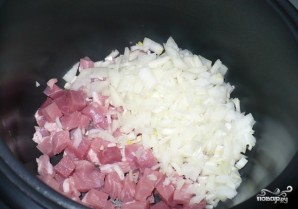
Place in the multicooker with the meat, salt, add spices to taste, and drizzle with a small amount of vegetable oil.
- 5
Step 5
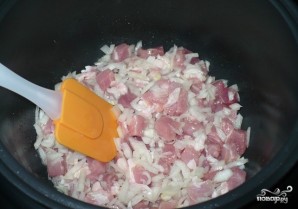
Mix the ingredients. Set the "Multi-Cook" mode and temperature to 120 degrees, and cook for 10 minutes.
- 6
Step 6
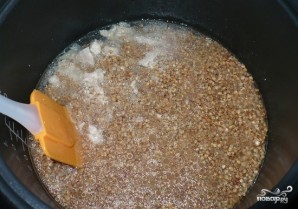
While the meat and onions are cooking, we thoroughly rinse the buckwheat. When the meat is ready, add the buckwheat to the multicooker bowl and pour in boiling water, then mix well. Taste for salt, add more if needed, and sprinkle with spices.
- 7
Step 7
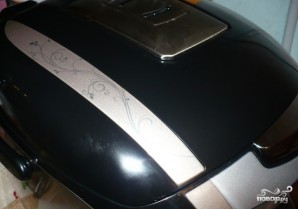
Now close the lid, set the "Multi-Cook" mode, temperature to 100 degrees, and time to 25 minutes. You can now attend to your other tasks.
- 8
Step 8
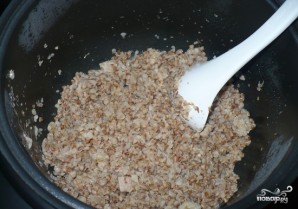
When the time is up, the multicooker will beep. Now your buckwheat with pork is ready. Garnish it with fresh herbs and serve. Enjoy your meal!