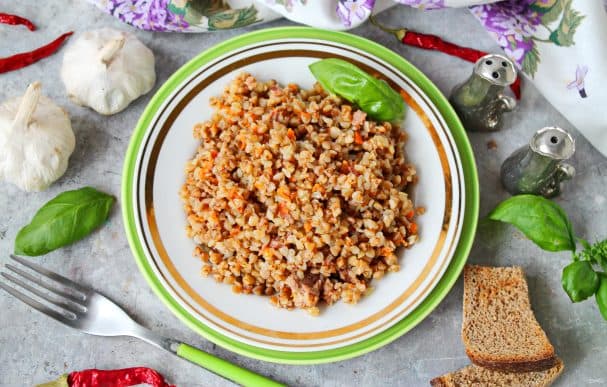
Buckwheat with canned meat in a multicooker
Description
The recipe won't take much time. Quick, simple, hassle-free, and no worries about burning the dish. Buckwheat with canned meat will feed the whole family! The multicooker will remind you when it's done, so you can calmly attend to your tasks without any concerns. If desired, you can add bell pepper, your favorite spices, or fresh herbs. If the canned meat is fatty, you can skip adding vegetable oil. Serve hot.
Instructions
- 1
Step 1

Prepare all the necessary ingredients for cooking. Sort the grain, as it may contain debris or even small stones. Peel and rinse the vegetables.
- 2
Step 2
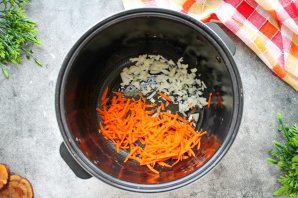
Pour vegetable oil into the multicooker bowl and add the fat from the canned meat. Finely chop the onion and grate the carrot on a coarse grater. Set the multicooker to the "Frying" mode for 20 minutes. Fry the vegetables, stirring 2-3 times.
- 3
Step 3
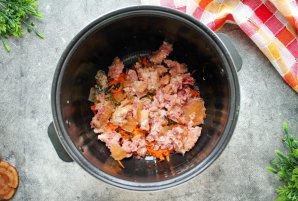
Cut the canned meat into pieces or shred it into fibers and add it to the bowl with the vegetables.
- 4
Step 4
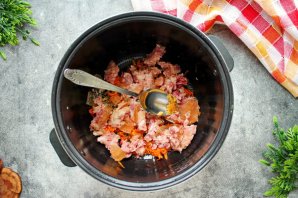
Chop the garlic and add it to the stew.
- 5
Step 5
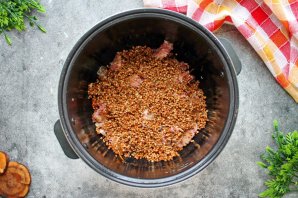
Rinse the buckwheat well and add it to the vegetables with the stewed meat.
- 6
Step 6
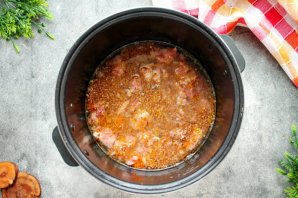
Season everything with salt and pepper, add one bay leaf, pour in hot water, and mix.
- 7
Step 7
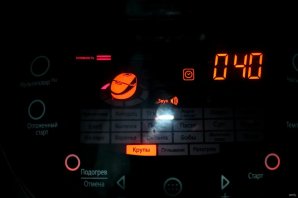
Close the multicooker. Set the "Grains" mode and time for 45 minutes.
- 8
Step 8
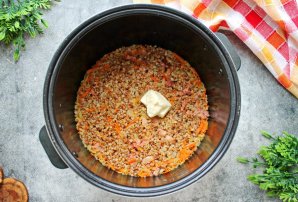
After the sound signal indicating the end of cooking, turn off the appliance. Open the lid, add the butter, close it again, and let it stand for another 5 minutes.
- 9
Step 9
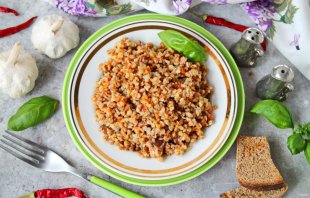
Buckwheat with canned meat in a multicooker is ready. Serve on plates and bring to the table.